Where Are Downloaded Spotify Songs Saved? (iPhone, Android, PC & Mac)
Downloaded a song but can’t find it? Where every browser saves MP3 files, and how to get them into your music app on each device.
By Downloaderize Published 2 min read
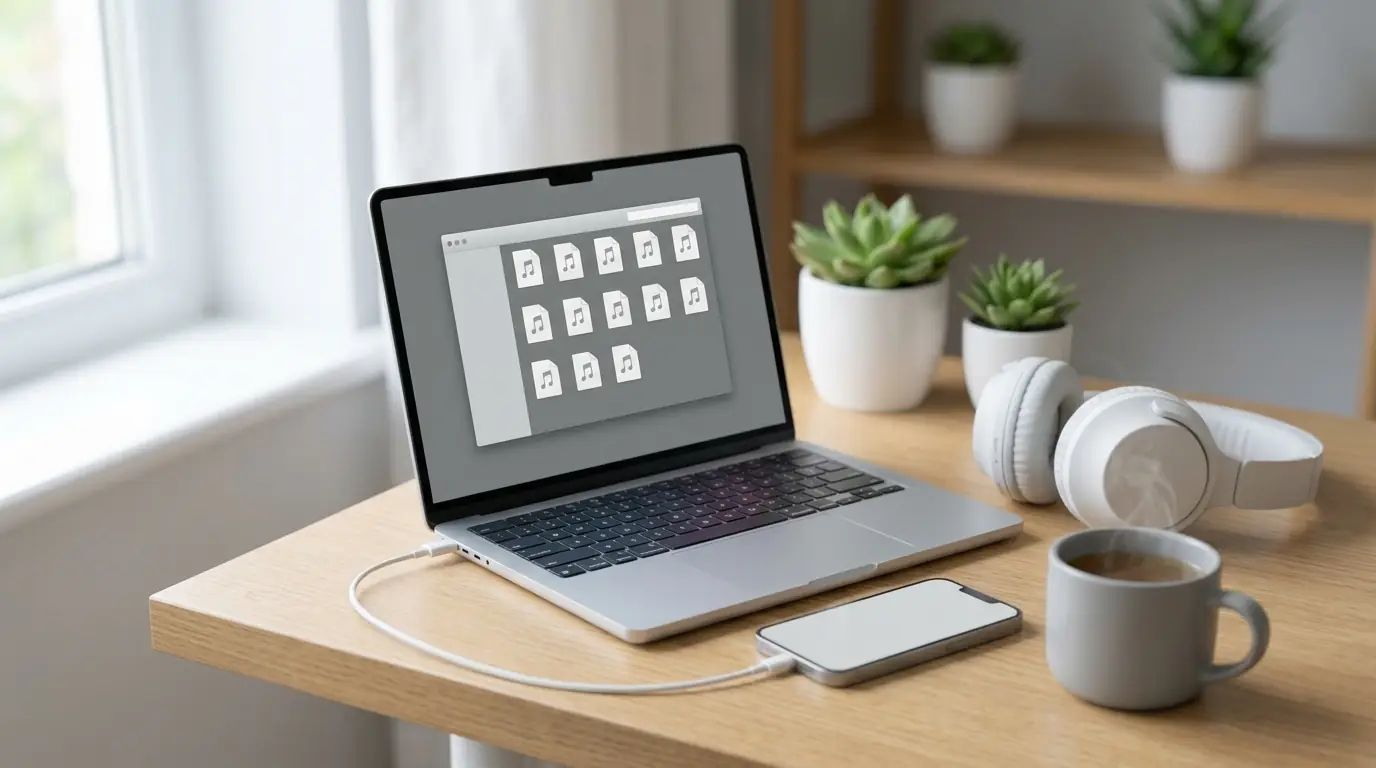
You pressed Download, the song finished, and now you can’t find it. Browsers save files to a Downloads folder, not straight into your music app. Here is where to look on each device, and how to get the songs into a player.
Android
Chrome, Samsung Internet and Firefox save files to the phone’s Downloads folder:
- Open the Files (or My Files) app and tap Downloads, or
- in Chrome, tap the ⋮ menu and choose Downloads.
Most music players (Samsung Music, Poweramp, VLC and others) scan the phone for MP3 files automatically, so the songs appear in your library within a minute. Google’s YouTube Music app can also play local files: turn on Settings → Library & downloads → Show device files.
iPhone and iPad
Safari (and Chrome for iOS) save downloads to the Files app:
- Open Files and tap Browse.
- Go to On My iPhone → Downloads or iCloud Drive → Downloads, depending on your Safari settings.
- Tap a song to play it right there.
The Apple Music app can’t import MP3 files directly on the iPhone. Your options:
- play songs from the Files app or a free player that opens local files (VLC, for example);
- or add them to the Music app on a Mac or PC (Finder or iTunes) and sync them to your iPhone.
You can change where Safari saves files in Settings → Apps → Safari → Downloads.
Windows
Browsers save to This PC → Downloads (C:\Users\YourName\Downloads). Press Ctrl + J in Chrome, Edge or Firefox to open the download list, then Show in folder.
To build a music library, move the files into your Music folder. Windows Media Player, the Media Player app and VLC show them with their album covers.
Mac
Files go to the Downloads folder in your home directory, also on the right of the Dock. Press ⌥ + ⌘ + L in Safari to open the download list.
To add songs to the Music app, drag the files onto the Music window, or use File → Import. They then sync to your iPhone like any other song in your library.
Linux
Files go to ~/Downloads. Rhythmbox, Lollypop, Strawberry and VLC all play MP3 files with their covers.
Finding the right file quickly
Every song is named “Artist - Title.mp3”, for example Coldplay - Yellow.mp3, and carries its album cover. Type the artist’s name into your device’s search to find everything you saved from them.
Still can’t find it?
If nothing appears in Downloads, the download may not have started. Your browser may have blocked several downloads at once: allow multiple downloads for this site, then press Download next to the song again on Spot Downloader. The FAQ covers more troubleshooting.